
How to Search Cases by Name
For District Court and County Court cases, the Colorado Judicial Branch sends name searches to Colorado Courts Record Search, or CoCourts. This is a paid LexisNexis service rather than a free Judicial Branch database. Its reach is broad, covering public civil, water, small-claims, domestic, felony, misdemeanor, and traffic cases. Enter the party's full legal name. Then narrow the location to Douglas when the tool offers that choice. Common names pull in cases from other people and other places, so filter with care.
Municipal ordinance and municipal traffic matters stay with the city clerk. Check the court name printed on your citation or notice before paying a vendor. Those cases sit in Castle Rock, Parker, Lone Tree, Castle Pines, or Larkspur. Each may need a city court channel instead.
- Identify the court named on the filing, notice, or citation.
- Open CoCourts for a state case and select Douglas as the location.
- Enter the last name and first name as accurately as possible.
- Compare the case class, filing year, and party details before opening a result.
- Use the clerk request channel when the ROA points to a document you need.
The Judicial Branch records-search overview explains why the vendor and court-file channels are separate.
Douglas County CoCourts Case Search
CoCourts delivers an unofficial Register of Action in real time. The ROA is a dated event list. Charges, sentences, minute orders, filings, and settings each get a brief line. What you will not get are the actual pleadings or signed orders. Real-time delivery helps you track a fresh event. Yet the court file itself remains the official record. The page at the CoCourts search service shows what this paid service returns.
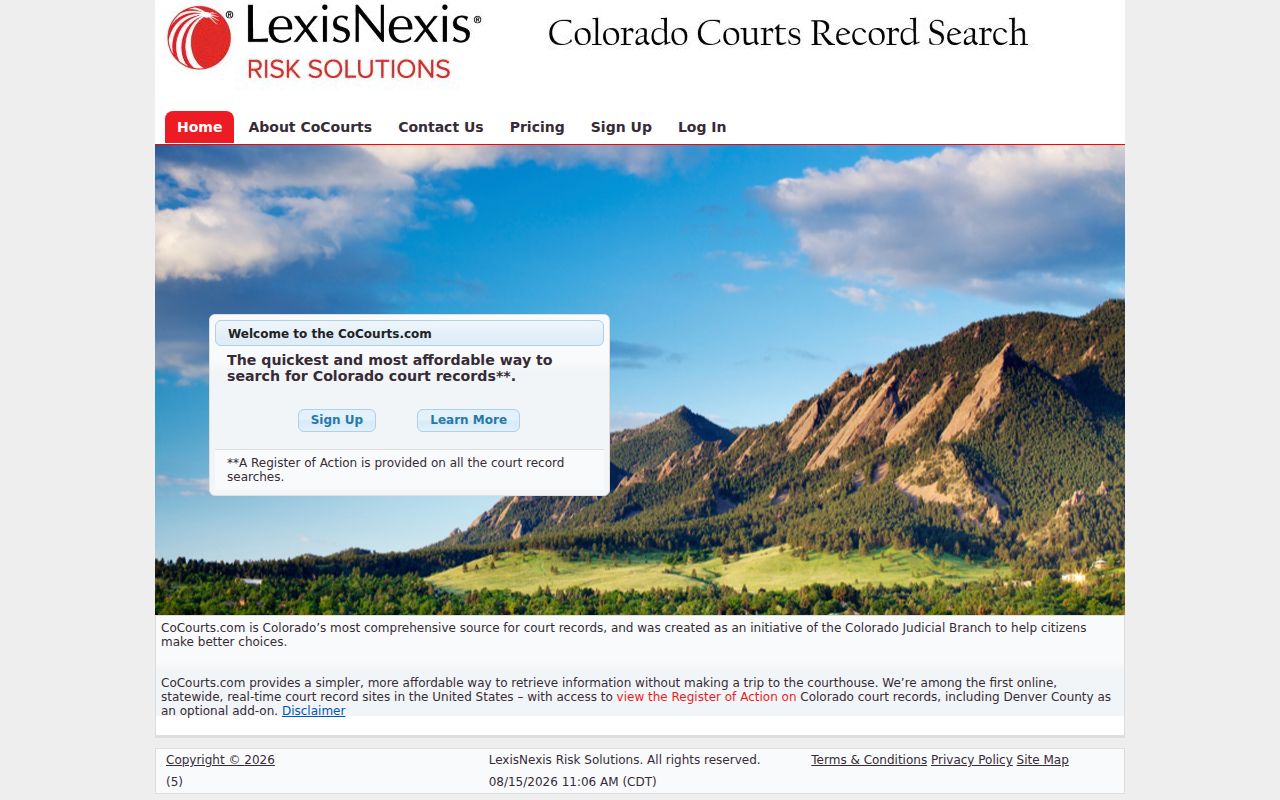
That search screen is the index layer of a Douglas County case lookup. It does not hand you documents. When an entry says an order was filed, request that order from the Combined Court clerk.
How to Search by Case Number
A Colorado trial case number has three parts: the filing year, a two-letter case class, and a sequence. One research-form example is 2023AA123456. A traffic example is 2019T999999. Punctuation and display can vary, so copy the number straight from your notice or court paper. The class letter matters most. CR commonly marks criminal, CV a district civil case, C a county civil case, DR domestic relations, PR probate, M misdemeanor, and T traffic.
Older papers may name the 18th Judicial District. Douglas, Elbert, and Lincoln Counties formed the 23rd Judicial District on January 14, 2025. That change did not erase older cases. Search by the Douglas location and the full case number even when the caption carries the former district name.
Douglas County Case Number Codes
The case class tells you which record family and court level to expect. It also helps separate people with similar names. Douglas County District Court handles felony, major civil, domestic-relations, juvenile, and probate matters. Douglas County Court takes misdemeanor, state traffic, small-claims, eviction, and lower-value civil cases. One Combined Court clerk supports both courts.
- ROA
- Register of Action, the chronological public event index.
- Case class
- The letter code that identifies the kind of case.
- Sequence
- The number assigned within a class and filing year.
- Setting
- A scheduled court event, which may be a hearing rather than a trial.
Give the clerk the whole identifier. A year and sequence without the class can point staff to the wrong file.
What a Case Search Shows
A public Douglas County case result names the case and parties, then lists dated activity. The ROA can show that a complaint, motion, minute order, sentence, or judgment exists, and it may list a future setting. But an event label is not the document itself. A calendar result is narrower still.
| Case number | Filing year, class, and sequence used to identify the file. |
|---|---|
| Caption or parties | The public style of the case and listed participants. |
| Charges or claims | Brief public descriptions when the case category permits access. |
| ROA entries | Dated filings, minute orders, settings, disposition, and sentence events. |
| Status | Current public status, subject to later court action. |
For a hearing date, trust the official Douglas calendar. CoCourts works better as a broad chronological index. For a filed paper or authenticated copy, go to the clerk.
Douglas County Case Calendar Limits
Douglas County hearings show up in the free Colorado Judicial Docket Search. That tool is a calendar and nothing more. You can filter the docket by location, date, courtroom, or judicial officer. It won't hand you the ROA. When a search comes back empty, the date or filter may simply be off. The hearing may have moved, or the case sits in municipal court instead.
For filings, turn to the Colorado Judicial online search and payment channel. It lists case filings and court payments together.
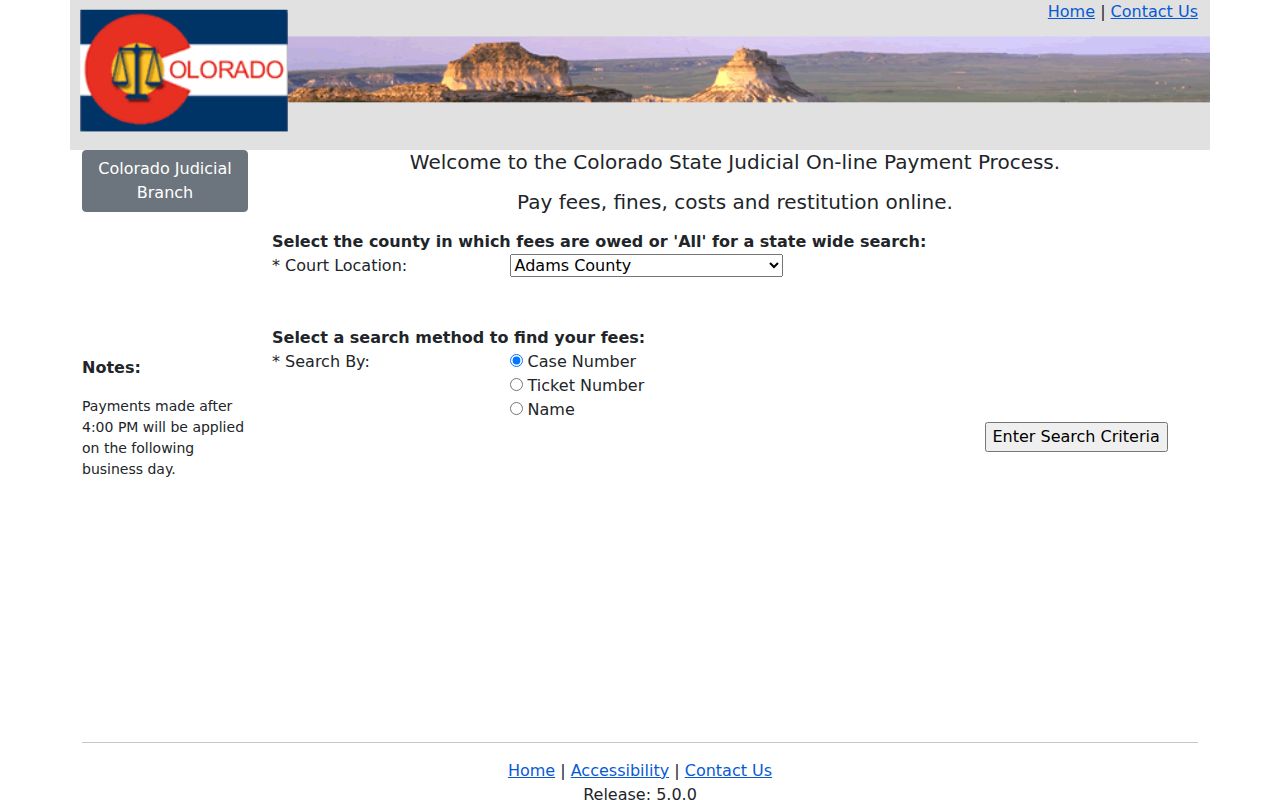
That payment channel can locate eligible obligations. Still, a payment result is not the Douglas County case ROA. Confirm any setting with the latest notice, the public calendar, or the proper clerk.
County vs Statewide Case Search
Colorado offers no free, comprehensive Judicial Branch name-search portal for trial cases. Instead, Douglas County case information lives in three places: an official calendar, a paid statewide vendor ROA, and clerk-held documents. The split is about the product you need, not two competing copies of one database.
| Channel | Best use | Limit |
|---|---|---|
| Official Docket Search | Find a scheduled hearing | Calendar, not full history |
| CoCourts | Search public ROAs by name or number | Paid, unofficial, no filed documents |
| Combined Court clerk | Get filed papers and official copies | Fees and access rules may apply |
| Municipal clerk | Find city-code and municipal traffic cases | Separate court and portal |
Expect a Douglas County case lookup to use more than one source. Start with the court, locate the case, then turn to the office that holds what you need.
Douglas County Case E-Filing Limits
Colorado Courts E-Filing for attorneys serves a different role from the public case-search layer. CCE is the filing and case-management system. It is not an anonymous docket viewer, and the attorney e-filing page explains those access rules.
CoCourts can show a filing with no download attached. That gap traces back to how e-filing works.
Self-represented parties who qualify may file through non-attorney CCE. The option covers selected domestic-relations and eviction matters, but only after registration and opt-in. Court acceptance can take up to two business days. Access then runs to the participant's own case, not to a public search of every Douglas County docket.
The official page for non-attorney filing spells out the steps.
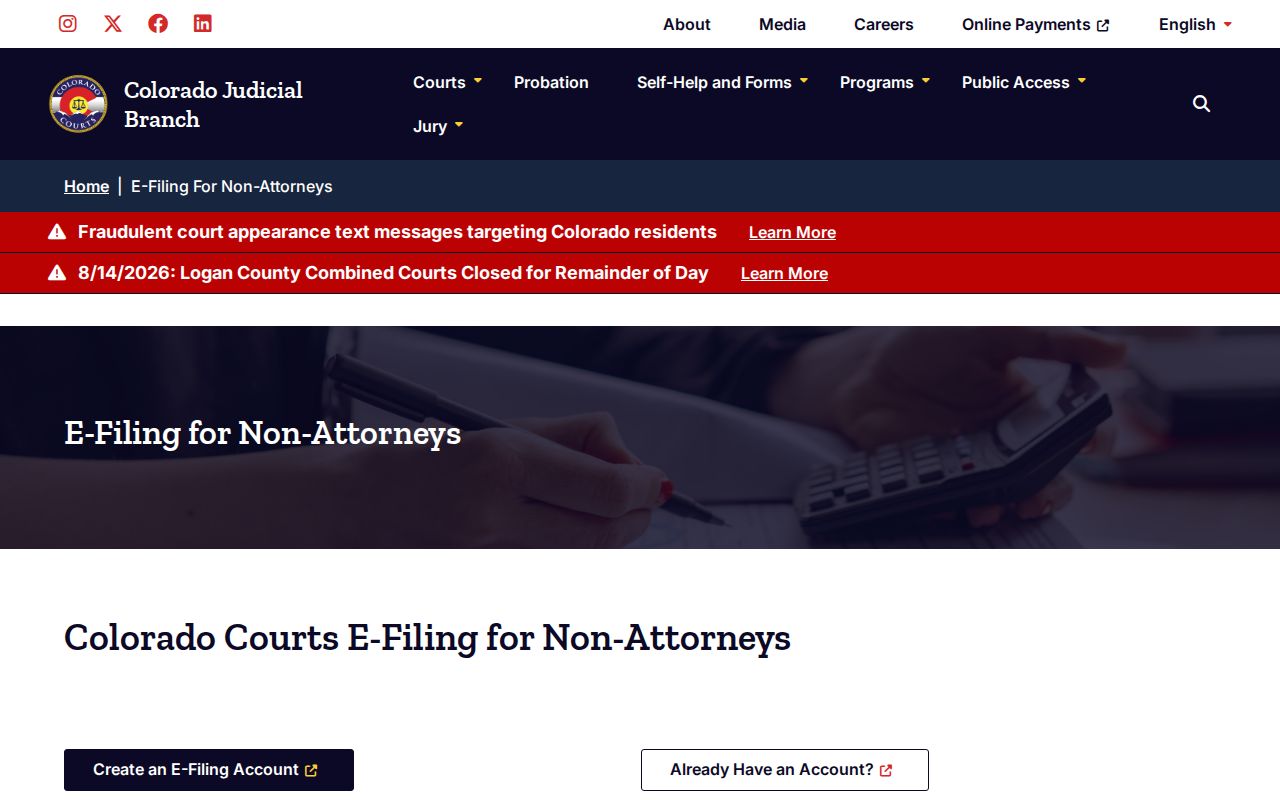
That party channel reaches more than anonymous access ever will, but only for the participant's own case. It does nothing to widen what the public can pull from a Douglas County docket search.
Douglas County Case No-Result Checklist
An empty result is not proof the case is absent. Before cycling through spellings, check the court and the source itself. Municipal files never appear in the state court search. Restricted matters may be hidden. Older captions can still point to the former district.
- Read the court name on the newest notice or citation.
- Confirm Douglas as the location and retry the complete case number.
- Use the official calendar only for a known hearing date.
- Contact the Combined Court clerk or correct municipal clerk when the public tools fail.
Once you know the case, the Douglas judges and staff directory lists division contacts who can confirm a setting. The directory covers judges and staff by division.
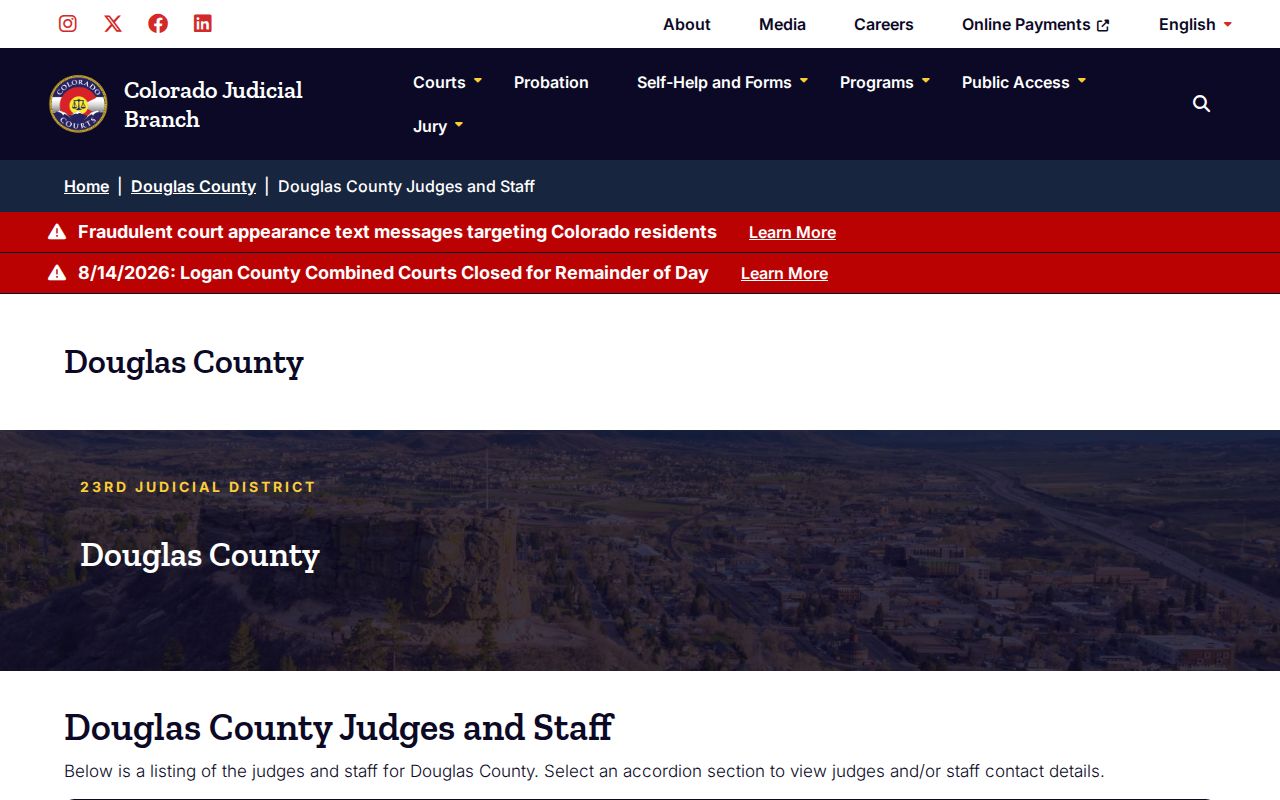
The directory confirms settings; it does not replace a search by name or case number. If public tools fail to surface the file, the clerk fee table lists a $5 name search. A Douglas County case search has other fallbacks too. The options include the Combined Court counter at 4000 Justice Way, Suite 2009, Castle Rock; the DouglasRecords@judicial.state.co.us email; a mailed request once fees are confirmed; or the phone contacts on the courthouse listing. Fax is not an option for filed documents. Ask the clerk whether on-site inspection equipment is available.
Restricted Cases and Access Rules
Chief Justice Directive 05-01 sets the rules for public access to Colorado court records. Public does not mean everything. Juvenile delinquency, dependency and neglect, adoption, mental-health, paternity, truancy, and judicial-bypass matters sit among the nonpublic categories. Deposited wills, presentence reports, probation files, juror questionnaires, medical and psychological material, and protected identifiers face limits as well.
A public ROA can list an event while the underlying paper stays withheld or redacted. Sealed-case searching is narrow. Only a defendant may check one case at a time, and it confirms nothing beyond the specified automatic-sealing route. For an open file, the Clerk of Court at Douglas County Combined Court can walk through the request and any identity requirement. Copy fees and document requests are covered in the Douglas County court record search.